LibreOffice Writer
Office productivity suite -- word processor
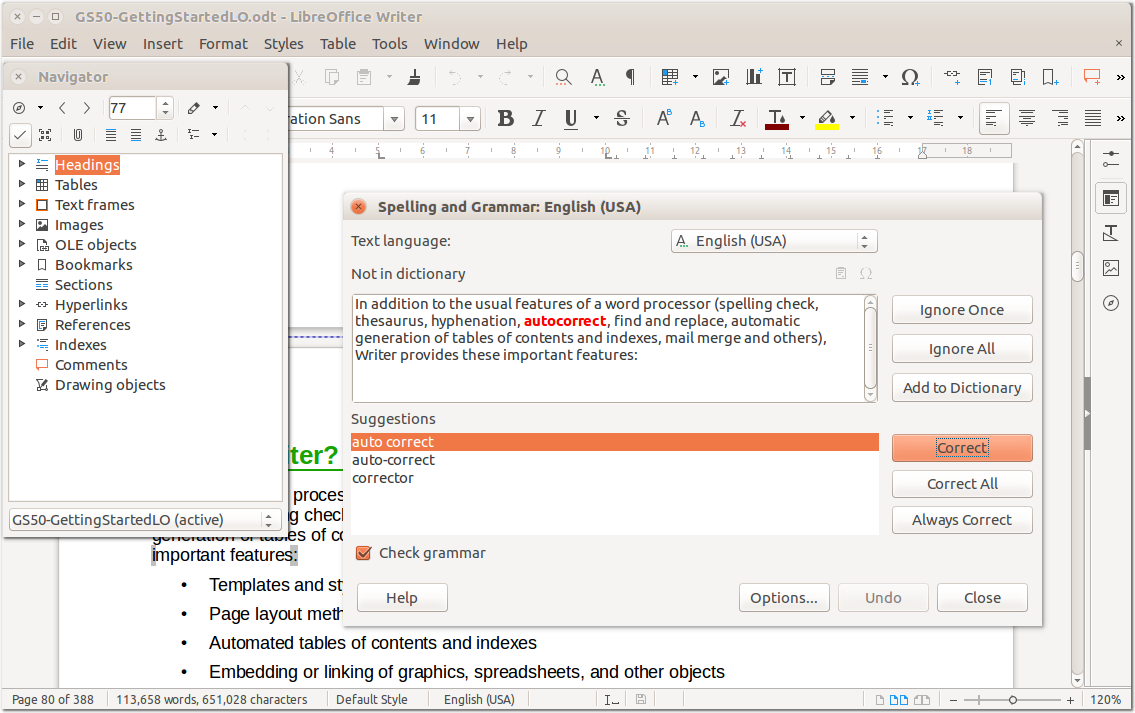
Writer is the word processor inside LibreOffice productivity suite.Use it for everything, from dashing off a quick letter to producing an entirebook with tables of contents, embedded illustrations, bibliographies and diagrams.The while-you-type auto-completion, auto-formatting and automatic spell-checkingmake difficult tasks easy (but are easy to disable if you prefer).Writer is powerful enough to tackle desktop publishing tasks such as creatingmulti-column newsletters and brochures. The only limit is your imagination.
Based on the what-you-see-is-what-you-get principle, Writer allows you to applyvarious styles and formatting effects to your document and view the resultsimmediately.
LibreOffice supports opening and saving into a wide variety of formats, so youcan easily share documents with users of other popular office suites withoutworrying about compatibility.
LibreOffice is a full-featured office productivity suite that provides a near drop-in replacement for Microsoft(R) Office. . This package contains the wordprocessor component for LibreOffice.
How to install LibreOffice Writer in Ubuntu
If you are on a supported distro like Ubuntu, Linux Mint, elementary OS etc. you can install the application through software center by clicking the below link.
If the above link not working, run the below command in terminal to install libreoffice-writer in Ubuntu
sudo apt install libreoffice-writer
LibreOffice Writer Screenshots