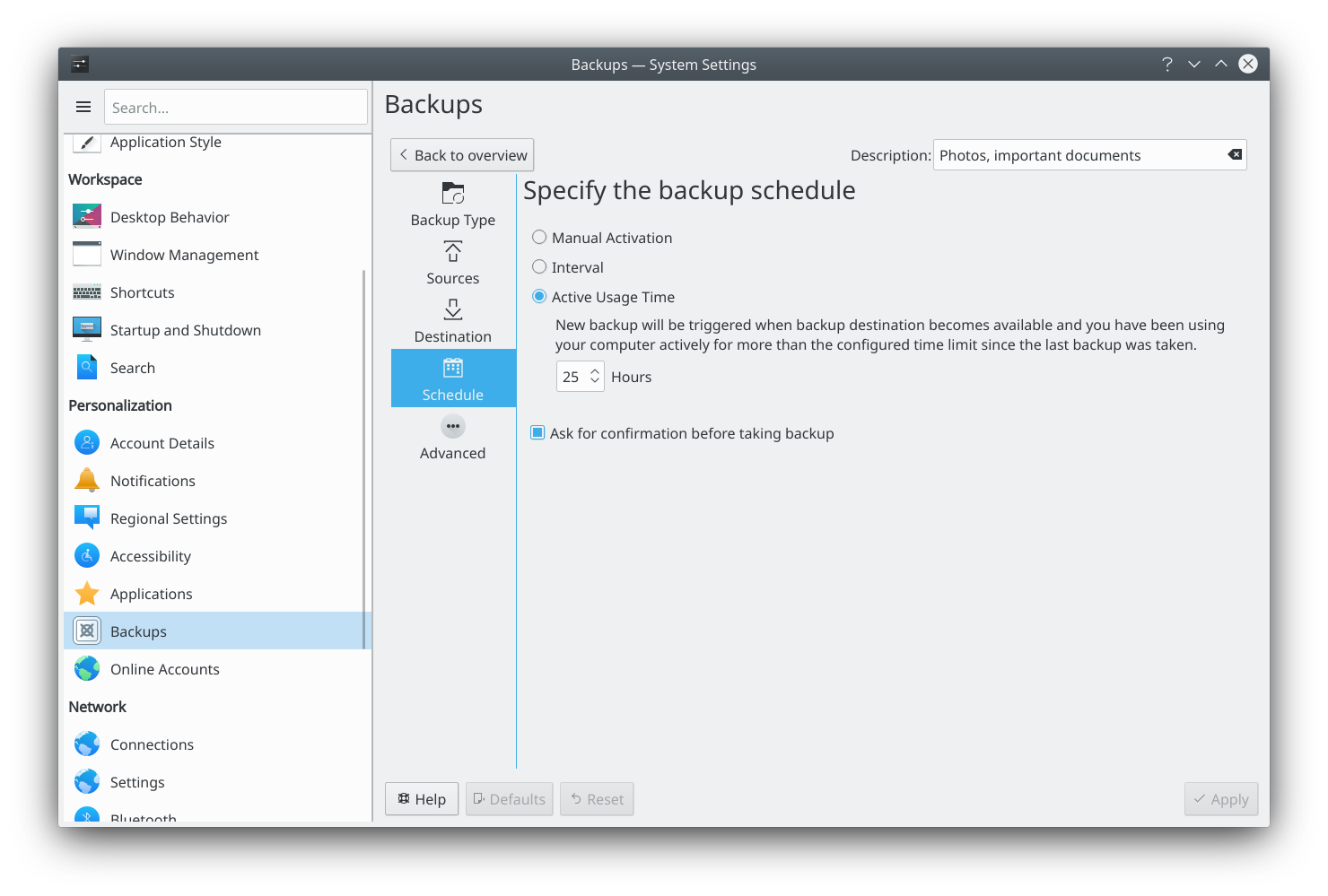
Kup
Backup tool for KDE's Plasma desktop
Kup can help you remember to keep up-to-date backups of your personal files. It provides:
- Incremental backup archive with the use of "bup".
- Synchronized folders with the use of "rsync".
- Support for local filesystem or external usb storage.
- Monitor availability of backup destinations, like for example a mounted network storage.
- Integration into KDE's Plasma desktop.
Kup is a backup tool for KDE's Plasma desktop created for helping people to keep up-to-date backups of their personal files. . Features :
- Incremental backup archive with the use of "bup".
- Synchronized folders with the use of "rsync".
- Support for local filesystem or external usb storage.
- Monitor availibilty of backup destination.
- Integration into KDE's Plasma desktop.
How to install Kup in Ubuntu
If you are on a supported distro like Ubuntu, Linux Mint, elementary OS etc. you can install the application through software center by clicking the below link.
If the above link not working, run the below command in terminal to install kup-backup in Ubuntu
sudo apt install kup-backup
Kup Screenshots