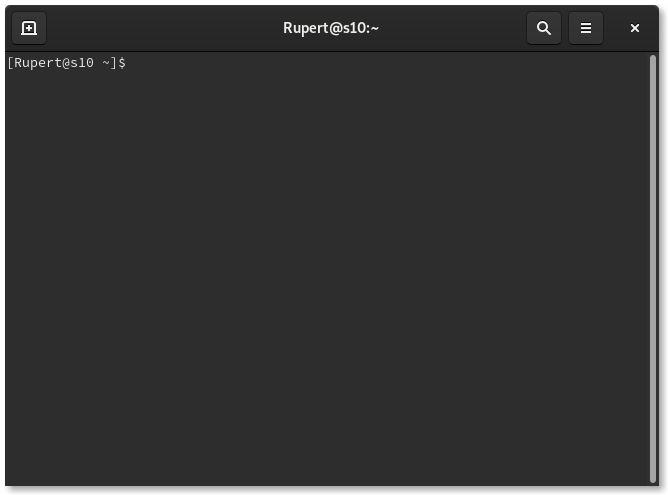
Terminal
GNOME terminal emulator application
GNOME Terminal is a terminal emulator application for accessing a UNIX shell environment which can be used to run programs available on your system.
It supports several profiles, multiple tabs and implements several keyboard shortcuts.
GNOME Terminal is a terminal emulation application that you can use to perform the following actions:
- Access a UNIX shell in the GNOME environment.
- Run any application that is designed to run on VT102, VT220, and xterm terminals. . GNOME Terminal features the ability to use multiple terminals in a single window (tabs) and profiles support.
How to install Terminal in Ubuntu
If you are on a supported distro like Ubuntu, Linux Mint, elementary OS etc. you can install the application through software center by clicking the below link.
If the above link not working, run the below command in terminal to install gnome-terminal in Ubuntu
sudo apt install gnome-terminal
Terminal Screenshots