Authenticator
TOTP authentication app for the GNOME Desktop
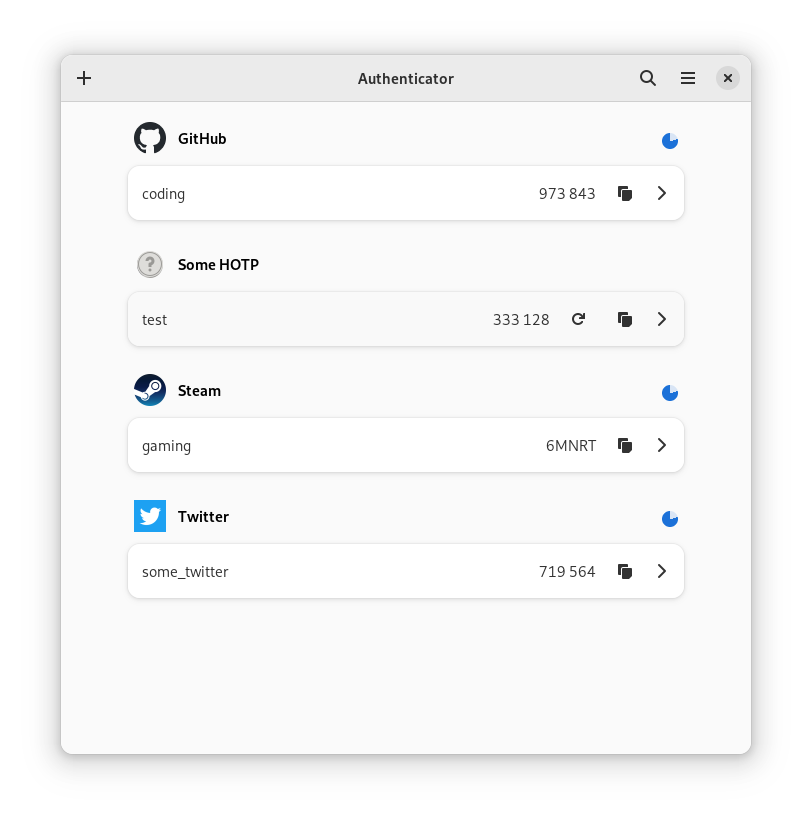
Simple application that generates a two-factor authentication code, created for GNOME.
Features:
- QR code scanner
- Beautiful UI
- Huge database of more than 560 supported services
- Keep your PIN tokens secure by locking the application with a password
- Automatically fetch an image for services using their favicon
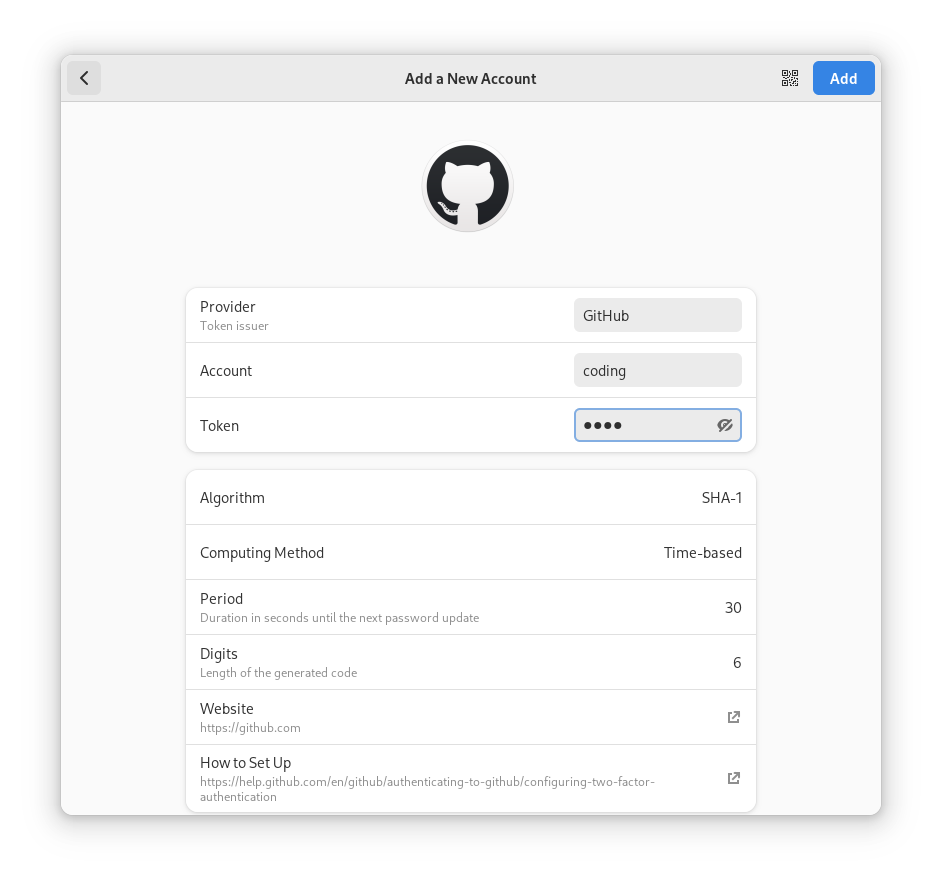
- The possibility to add new services
- Dark theme and night light
Authenticator is a GTK3 application for the GNOME desktop, featuring:
- QR code scanner
- Beautiful UI
- Huge database of more than 560 supported services
- Keep your PIN tokens secure by locking the application with a password
- Automatically fetch an image for services using their favicon
- The possibility to add new services
How to install Authenticator in Ubuntu
If you are on a supported distro like Ubuntu, Linux Mint, elementary OS etc. you can install the application through software center by clicking the below link.
If the above link not working, run the below command in terminal to install gnome-authenticator in Ubuntu
sudo apt install gnome-authenticator
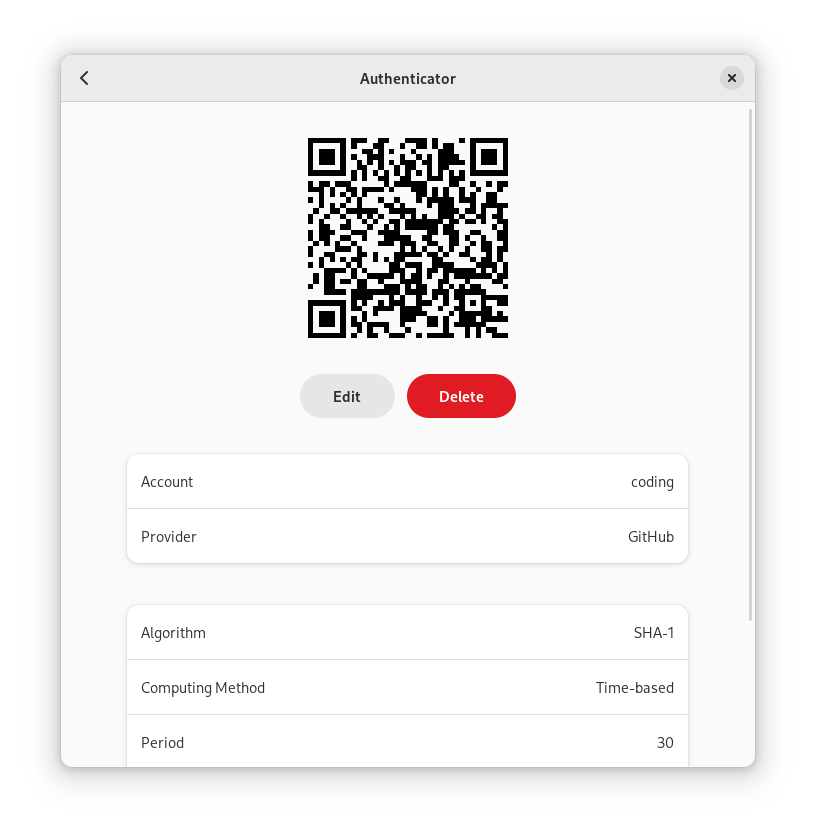
Authenticator Screenshots