Black Box
BlackBox Terminal Emulator
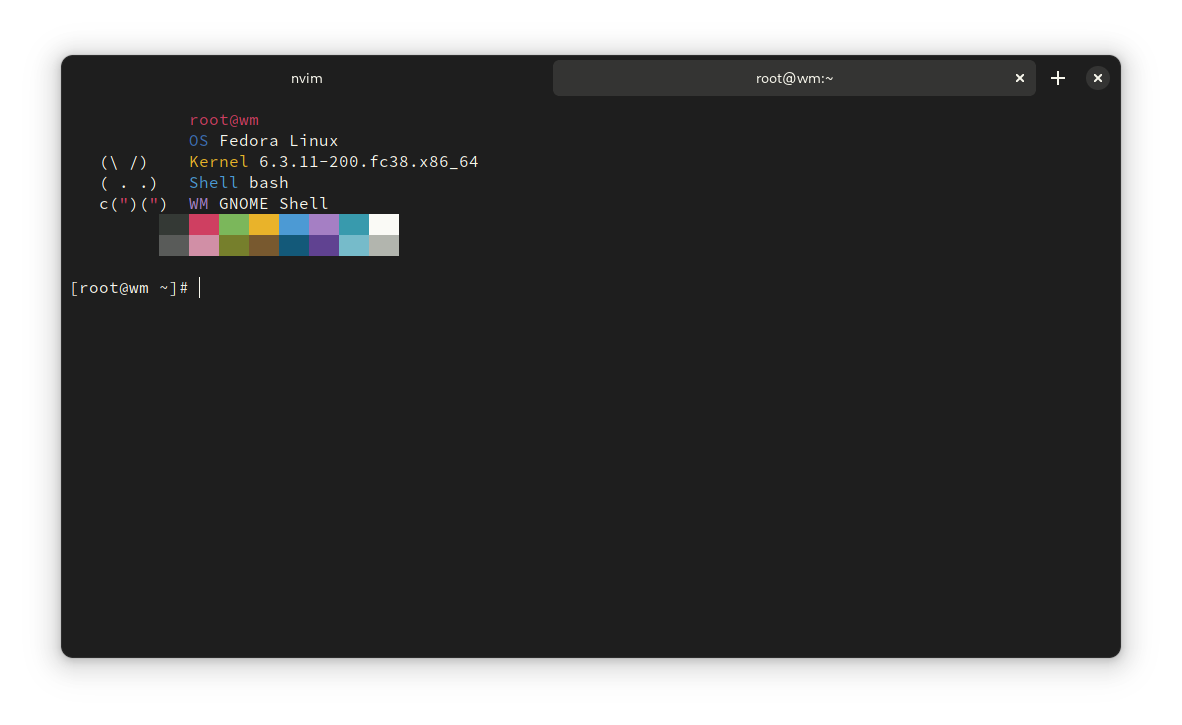
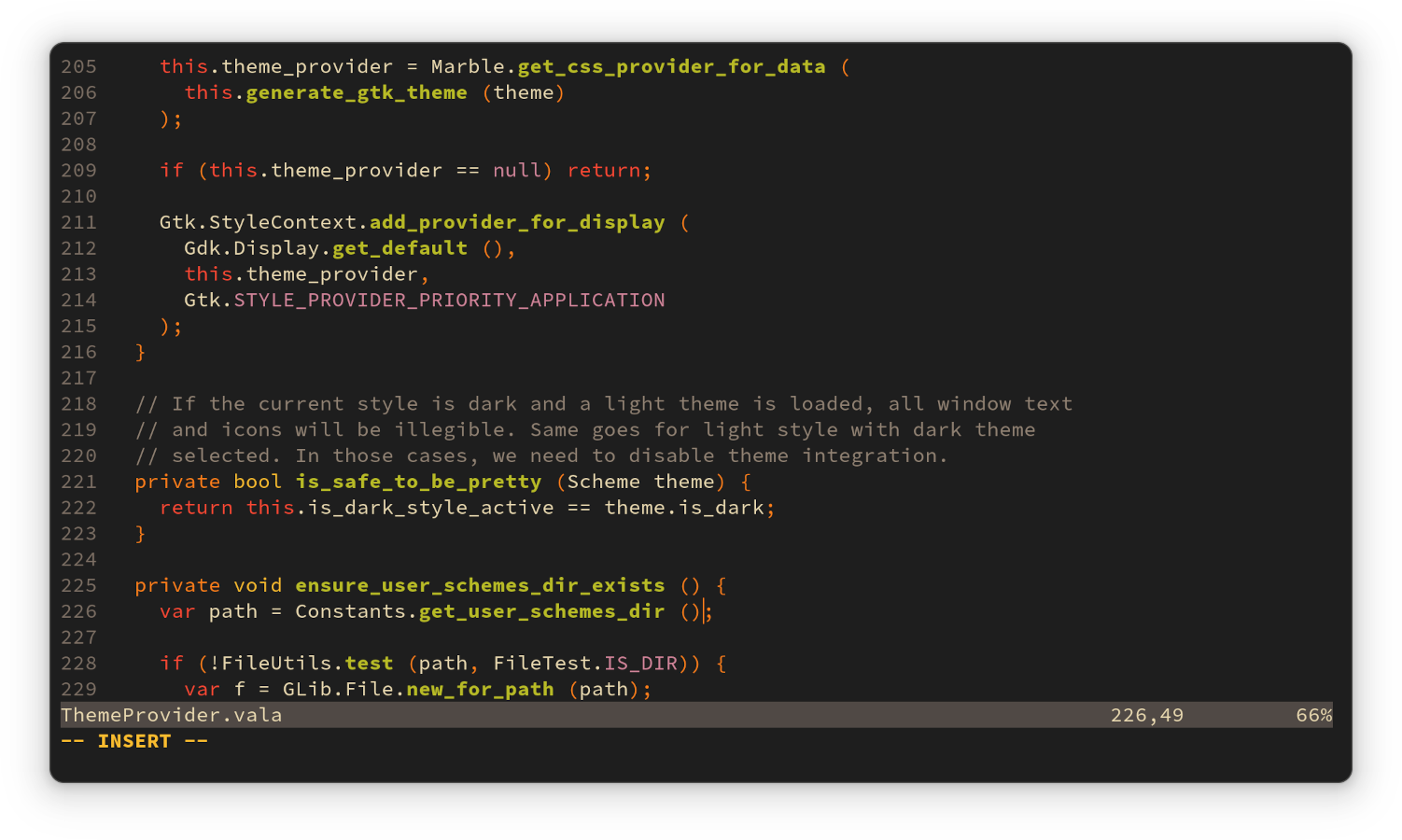
Black Box is a native terminal emulator for GNOME that offers superb theming options.
With Black Box you can:
- Set colors schemes and integrate them with the rest of the window
- Customize font and size
- Customize keyboard shortcuts
- Render Sixel escape sequences
- Fully hide the window headerbar
- Quickly open links and files by ctrl+clicking file paths and URLs
- Easily paste file paths by dragging them into the window
This app is written in Vala and uses GTK 4, libadwaita, and VTE.
GTK-4 based terminal with reasonably small footprint and the usual features.
- Theming (Tilix-compatible color scheme support)
- App theming based on terminal color scheme
- Transparent background
- Custom fonts and cell spacing
- Tabs
- Toggleable header bar
- Click to open links
- Files drag-n-drop support
- Sixel (experimental)
- Customizable UI
- Customizable shortcuts This is unrelated to the Blackbox X Window Manager.
How to install Black Box in Ubuntu
If you are on a supported distro like Ubuntu, Linux Mint, elementary OS etc. you can install the application through software center by clicking the below link.
If the above link not working, run the below command in terminal to install blackbox-terminal in Ubuntu
sudo apt install blackbox-terminal
Black Box Screenshots